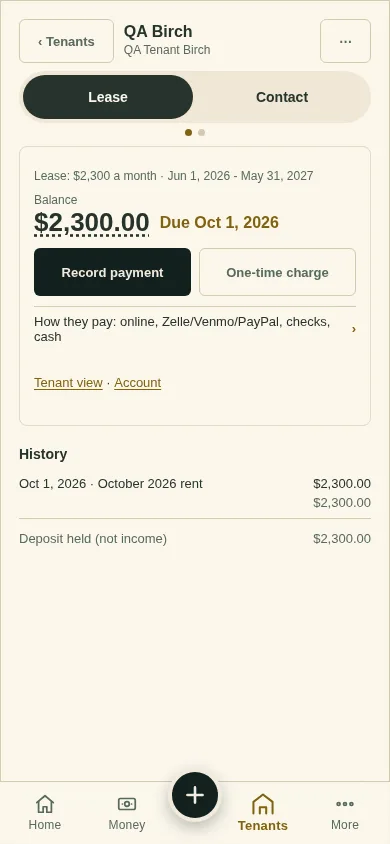
One-time charge
Bill a tenant for a repair, a lost key or anything else, once.
On the lease page, tap One-time charge.
Say what it is For and type the Amount. Add a due date and a note if you like.
Leave Email the tenant now ticked to tell them, and tap Send the charge.
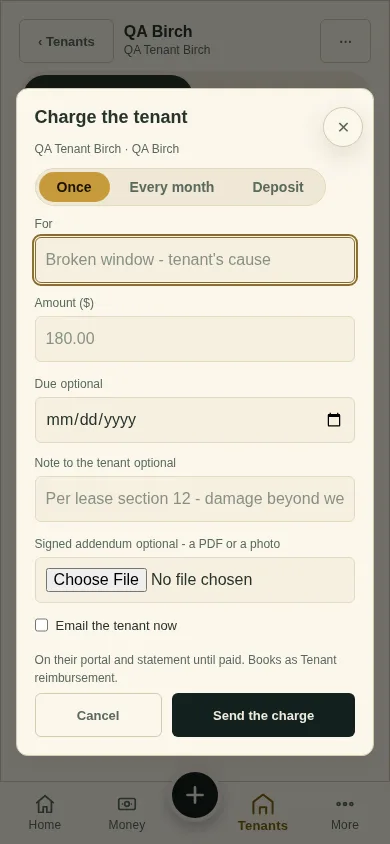
What you'll see
The charge on their portal and statement until it is paid.
Next
Credit or refund
Can't find it? Ask Moolah in the app, or write to hello@thepropertyledger.app.