Credit or refund
Lower what a tenant owes, or record money you paid back.
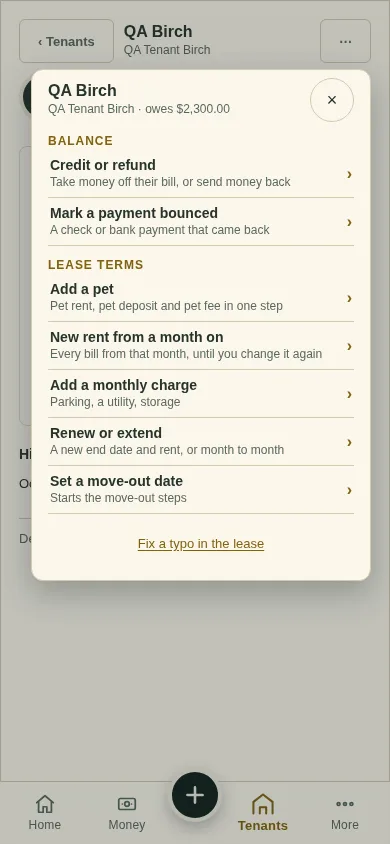
All changes start from the lease page: open the lease from Tenants and tap ⋯ (top right). Earlier bills never change.
Tap ⋯, then Credit or refund.
Pick Credit - lower a bill, or Refund - money you paid back. A refund works only after a payment. Tap Next.
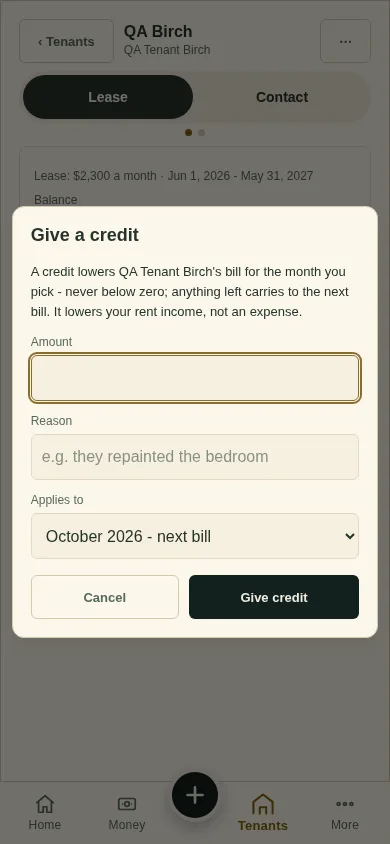
Type the amount and why. For a credit, pick the bill and tap Give credit. For a refund, tap Record it.
Next
When a tenant says "I've paid"
Can't find it? Ask Moolah in the app, or write to hello@thepropertyledger.app.