Add your first property
Set up a rental from the papers you have, or type it in. About five short screens.
You'll need: The closing statement, if you have it. A tax bill, a mortgage statement or the lease help too. Nothing handy is fine.
Tap + Add property.
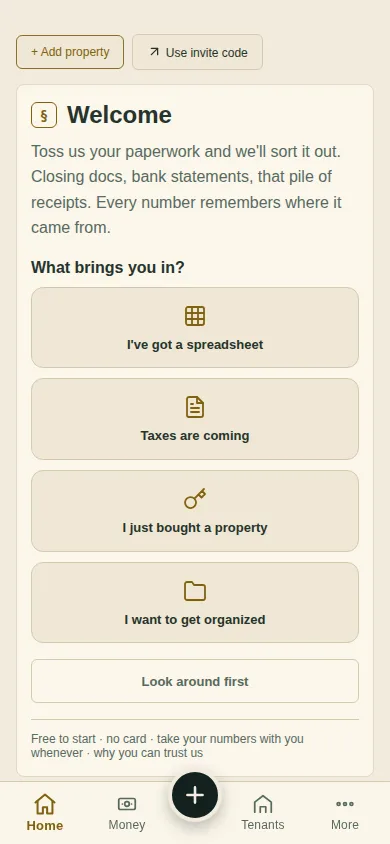
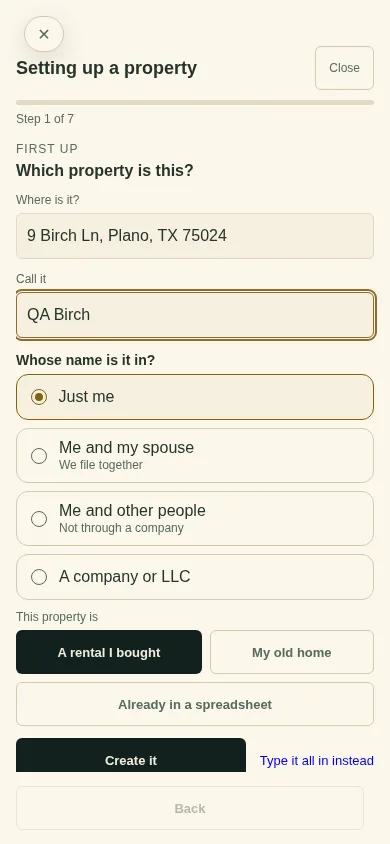
Type where it is and what to call it. Answer Whose name is it in?, pick what it is (A rental I bought, My old home or Already in a spreadsheet) and tap Create it.
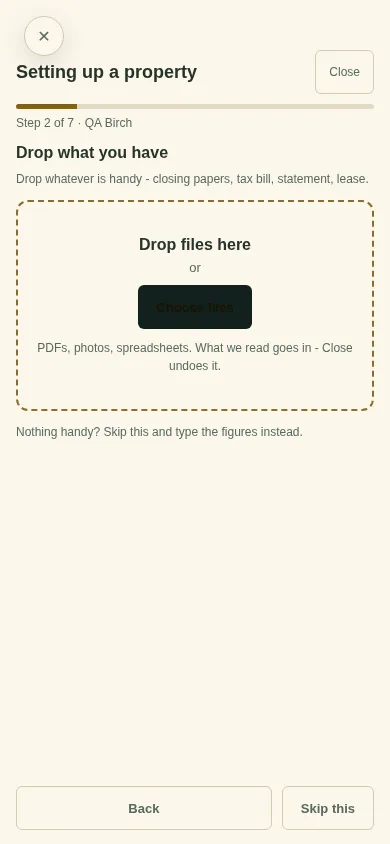
Drop in what you have: closing papers, a tax bill, a statement, a lease. Or tap Skip this.
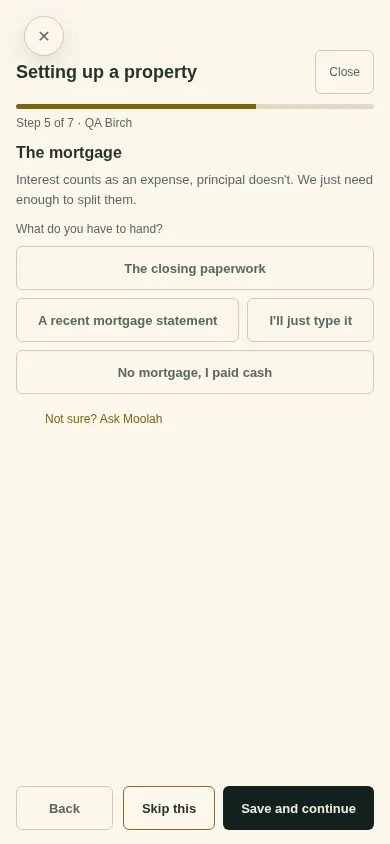
Check each screen (what you paid, your yearly write-off, the mortgage) and tap Save and continue. Skip this leaves one for later.
At Almost there, see what is still open, and say whether the property has been on a tax return before.
No papers at all? On the first screen, tap Type it all in instead.
What you'll see
The property in your list. Until the setup is done, Home shows Finish with the next step and Continue ›.
Can't find it? Ask Moolah in the app, or write to hello@thepropertyledger.app.