Invite your tenant to the portal
Send your tenant a link and a one-time code, so they can pay, report problems and message you.
Open the lease from Tenants, then swipe to (or tap) Contact.
Tap Invite to the portal. With their email on the lease, it goes at once and says "Sent to …", or the reason it did not go.
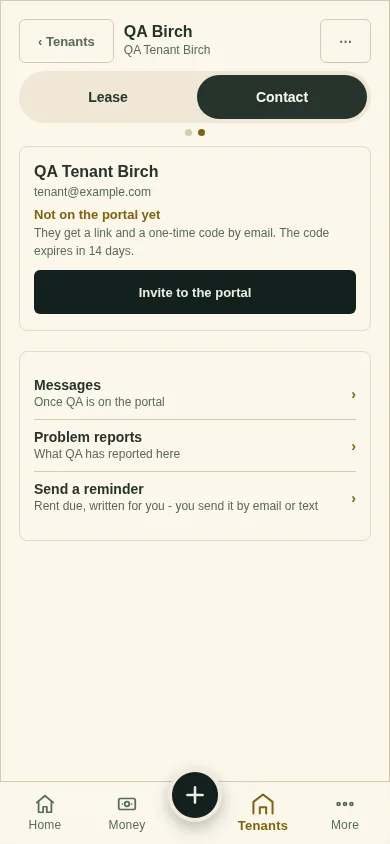
No email on the lease? Type it under Tenant access and tap Send it. Rather text it? Tap copy the link and send it yourself.
What you'll see
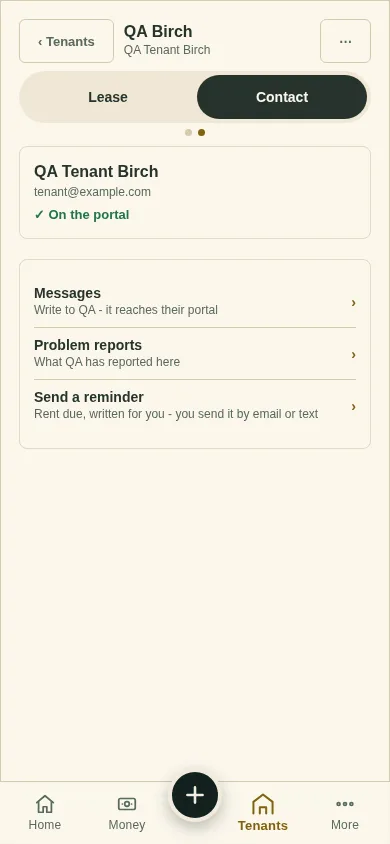
"✓ On the portal" on the Contact tab once they join. The code expires in 14 days. Send a new one if it runs out.
Next
Collect rent online
Can't find it? Ask Moolah in the app, or write to hello@thepropertyledger.app.