Import a bank file
Bring in your bank or card statement. No bank login: you download the file and drop it in.
On Money, tap Add from your bank.
Drop in the statement your bank gives you. A CSV goes in as it is. Premium A PDF or a photo is read for you.
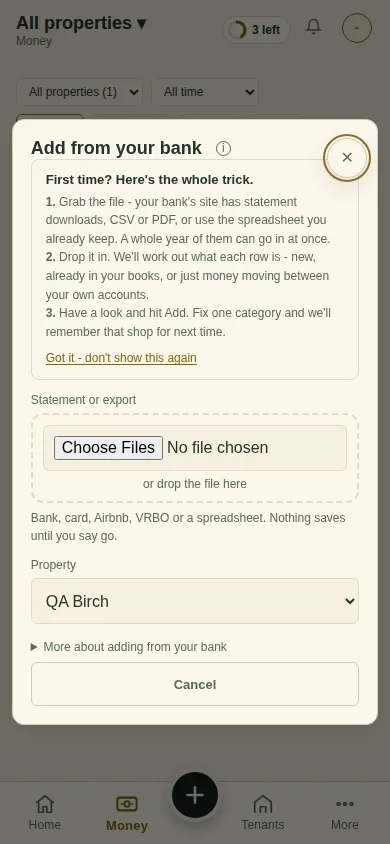
Pick the Property, check the rows, and tap Import. Nothing saves until you say go.
Next
Log a trip
Can't find it? Ask Moolah in the app, or write to hello@thepropertyledger.app.