Email receipts in
Forward a receipt photo to receipts@in.thepropertyledger.app from the email you sign in with, and it is filed for you.
Go to Account, then Email receipts in.
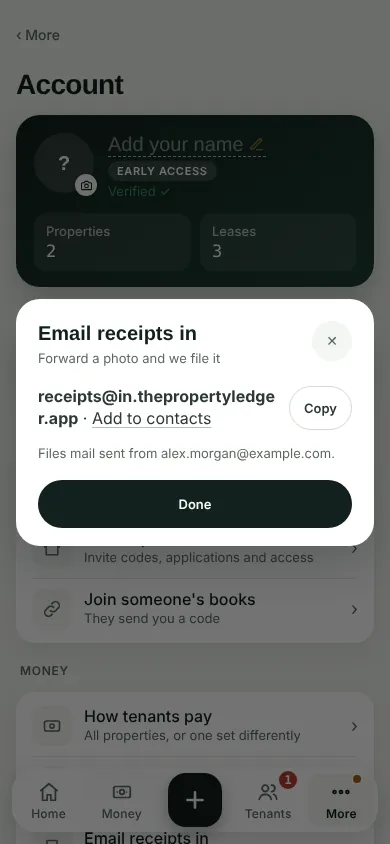
Tap Copy and save the address in your contacts. It files mail sent from the email you sign in with.
Forward or email a receipt photo to it.
Mail sent from any other address is not filed.
Can't find it? Ask Moolah in the app, or write to hello@thepropertyledger.app.