Getting started on the tenant portal
For tenants: sign in to your landlord's portal, pay rent, report a problem and send a message.
A page you can send your tenant. It is written to them.
Open the link from your landlord. Your code is already filled in.
Tap Create account, or Sign in.
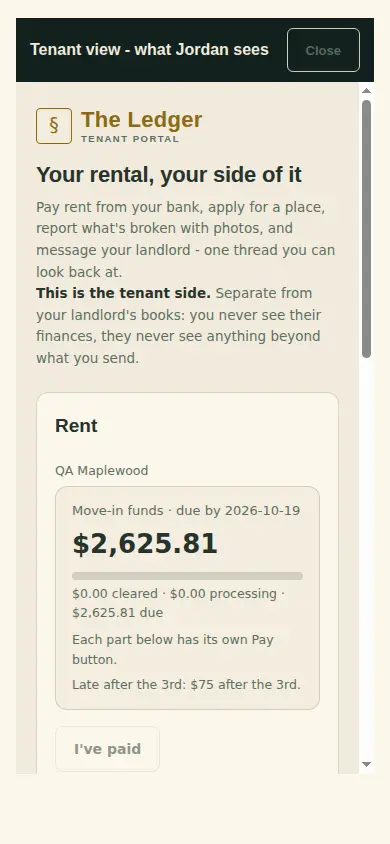
Pay rent: tap Pay from my bank, if your landlord allows it. Or pay the way your landlord says under How to pay, then tap I've paid.
Something broken? Tap Report a problem and add photos.
Questions? Tap Message landlord.
What you'll see
What is due at the top, your bills and statements, and every reply from your landlord.
Back to
Help
Can't find it? Ask Moolah in the app, or write to hello@thepropertyledger.app.