Import a spreadsheet
Move years of history in from the tracker you keep now. Free on every plan.
Go to Account, then Import a spreadsheet.
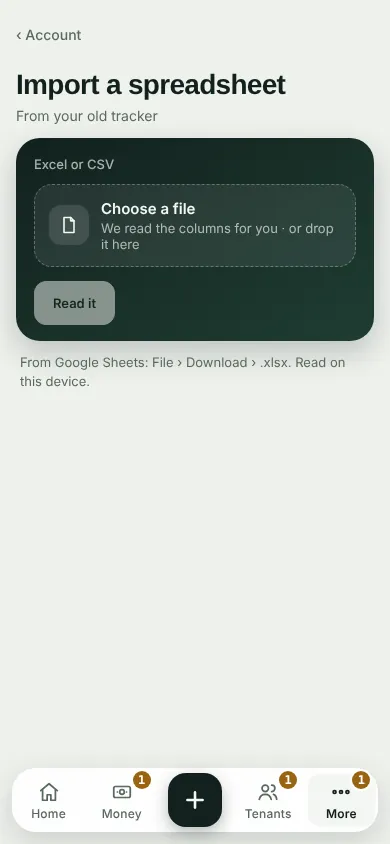
Tap Choose a file (Excel or CSV) and tap Read it. From Google Sheets: File › Download › .xlsx.
Check the Columns, tap Continue, and tap Import what's checked.
The file is read on this device.
Can't find it? Ask Moolah in the app, or write to hello@thepropertyledger.app.