See your loans
What you still owe on each loan, and what goes to interest and principal.
Go to Money, then Loans. Or open a property from Properties and tap its Loan row.
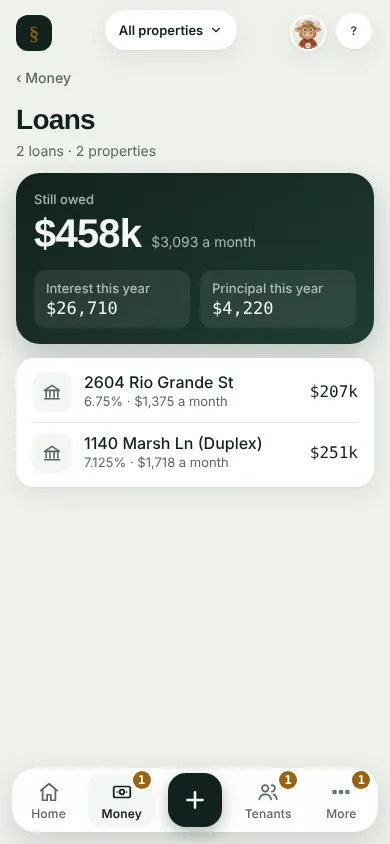
Tap a loan to see what is still owed, the monthly payment, and the next payment split into interest and principal.
Add or update a loan from the property's page.
Can't find it? Ask Moolah in the app, or write to hello@thepropertyledger.app.