Share a property
Let a spouse, a partner or your CPA see or edit one property.
Tap your initials at the top right, then your email. Beside Sharing, tap Open.
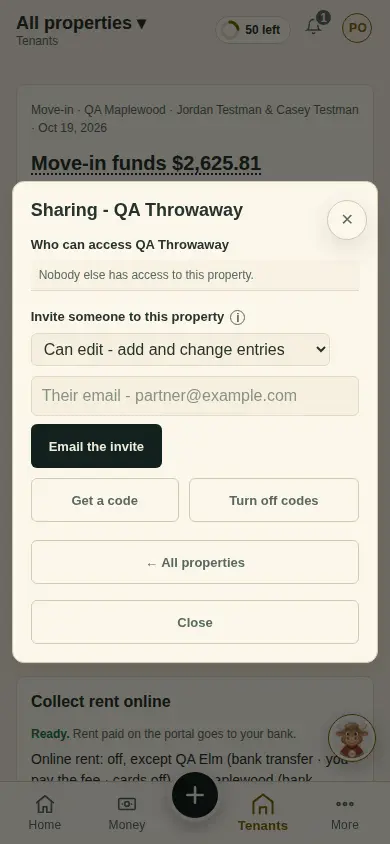
Tap By property, then Share beside the property.
Choose Can edit (a spouse or partner) or View only (a CPA), then Email the invite or Get a code.
They sign in, enter the code under Have an invite code? (or Use invite code on an empty Home), and tap Add property.
What you'll see
Who can access the property, under Sharing. You can take access back at any time.
Next
Getting started on the tenant portal
Can't find it? Ask Moolah in the app, or write to hello@thepropertyledger.app.