Snap a receipt
Photograph a receipt and file it with its entry. With Premium it is read for you.
On Money, tap Snap a receipt. Or tap +, then A bill I paid, then Snap it. Sorted. under Receipt.
Tap Camera, or Photos or files.
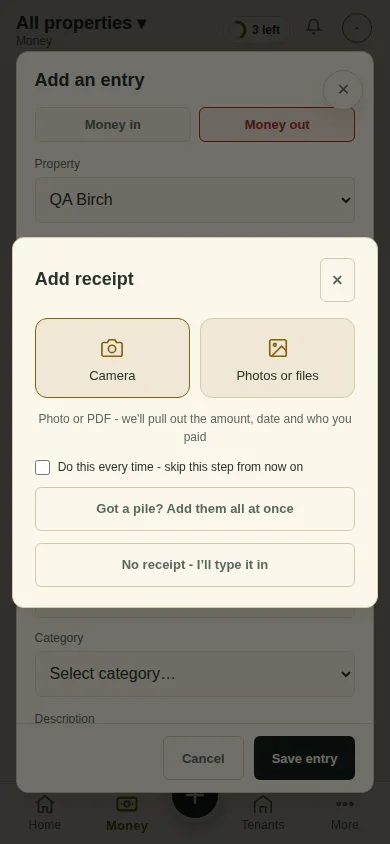
Premium It is read for you: the amount, the date and who you paid. Check the category and the property, and tap Save entry.
Out and about? Tap + to see the address you can email a receipt photo to, and file it later.
Next
Import a bank file
Can't find it? Ask Moolah in the app, or write to hello@thepropertyledger.app.