Message tenants
Write to one tenant, or to every tenant at a property or all of them at once.
To one tenant: open them from Tenants and write in the box under Activity. Their replies show there too.
To many: tap + Add, then Message tenants, or Message tenants at the top of Tenants.
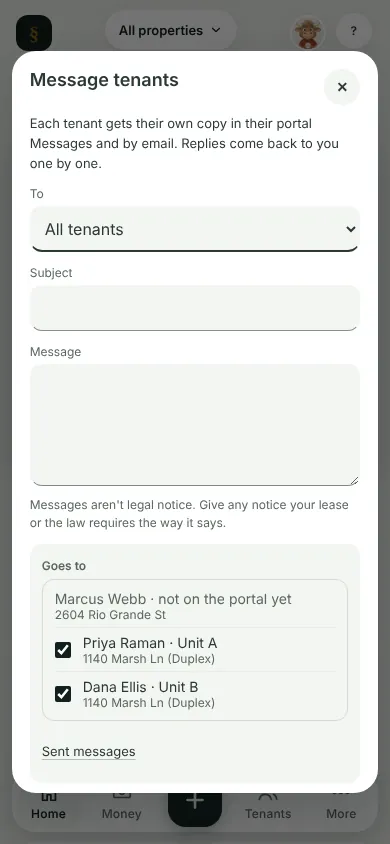
Pick who it goes To, add a Subject if you like, write the Message and tap Send.
What you'll see
Each tenant gets their own copy in their portal Messages and by email. Replies come back to you one by one.
Next
Repairs
Can't find it? Ask Moolah in the app, or write to hello@thepropertyledger.app.