Open a PDF or photo on a phone
See a receipt or a paper full size on your phone, and save it.
Tap a receipt in Money. It opens in a window, with who you paid and the date.
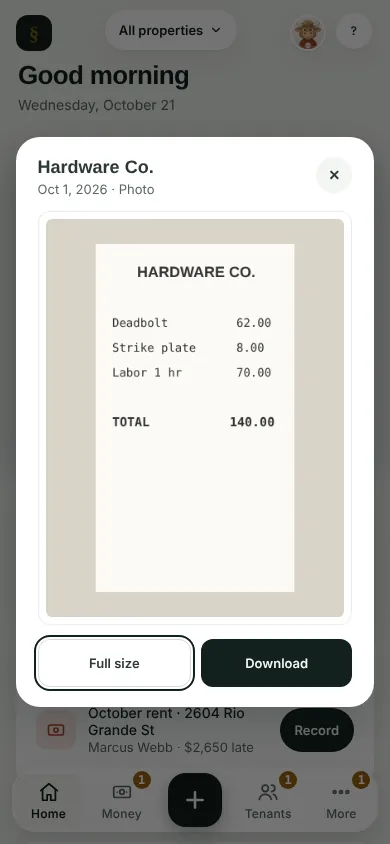
Tap Full size. On a phone, the photo or every page of the PDF opens right in the app. Tap ✕ to go back.
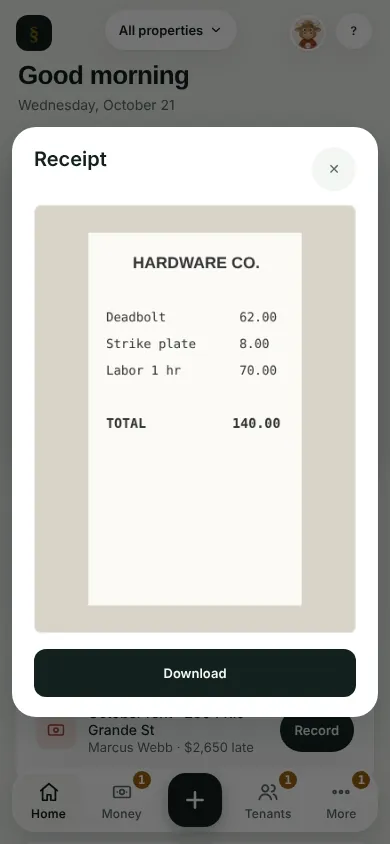
Tap Download to save it to your phone.
A paper that came in by email opens the same way.
Can't find it? Ask Moolah in the app, or write to hello@thepropertyledger.app.